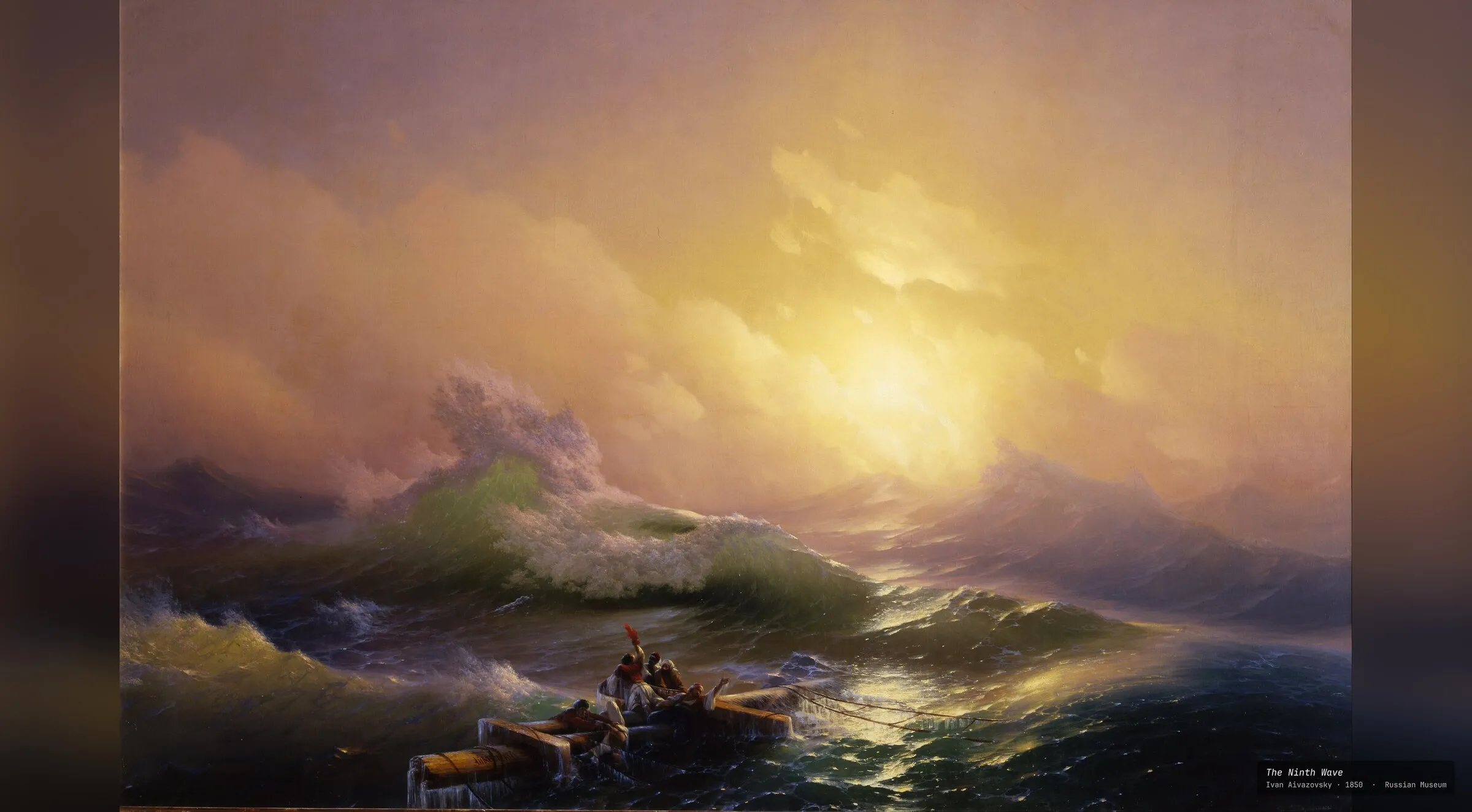
Know what you’re looking at.
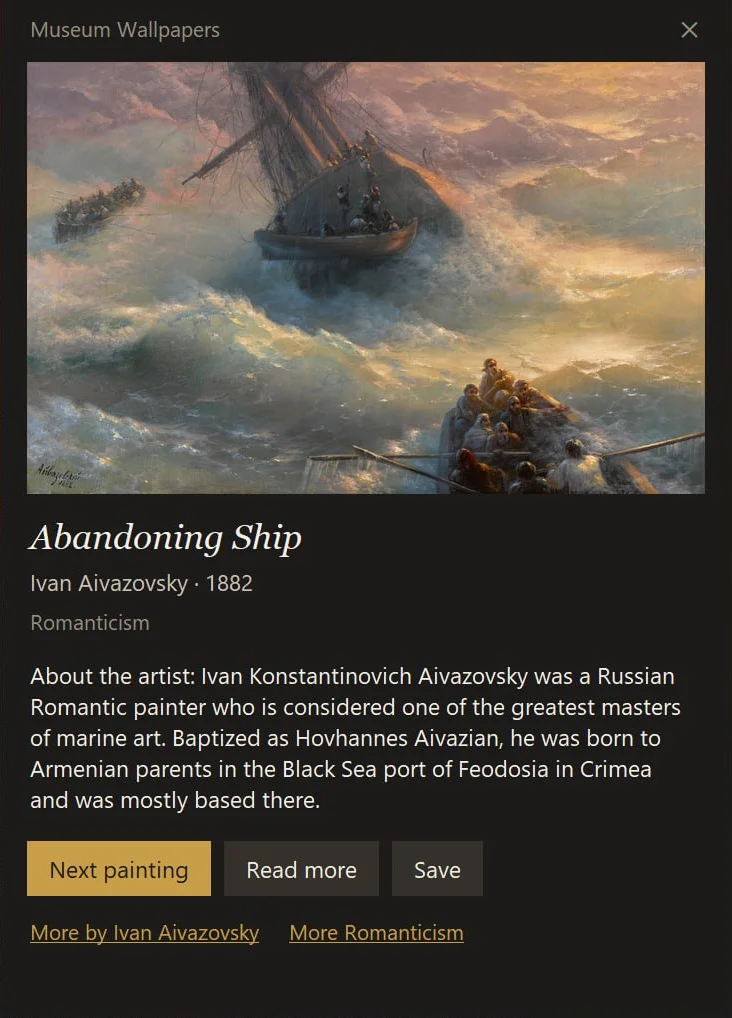
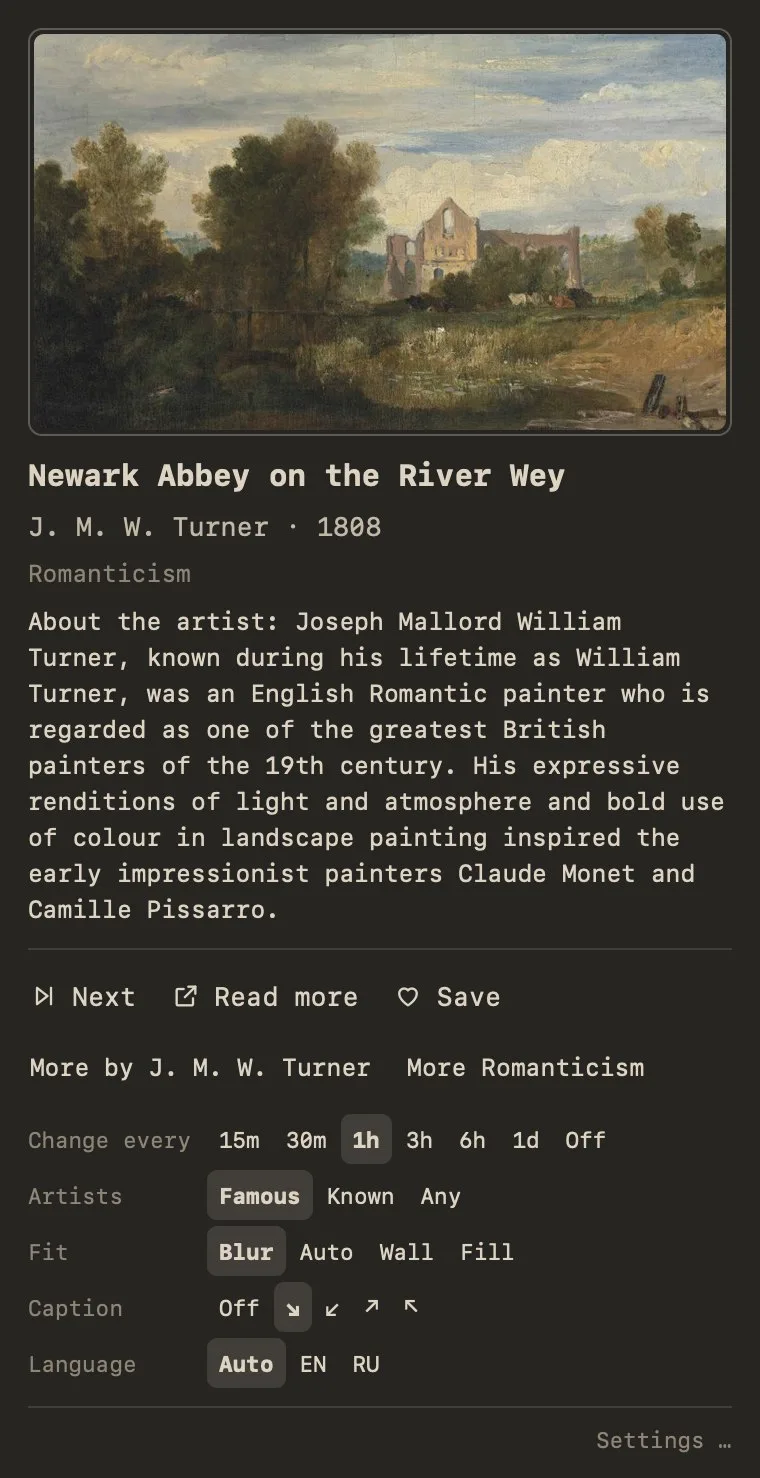
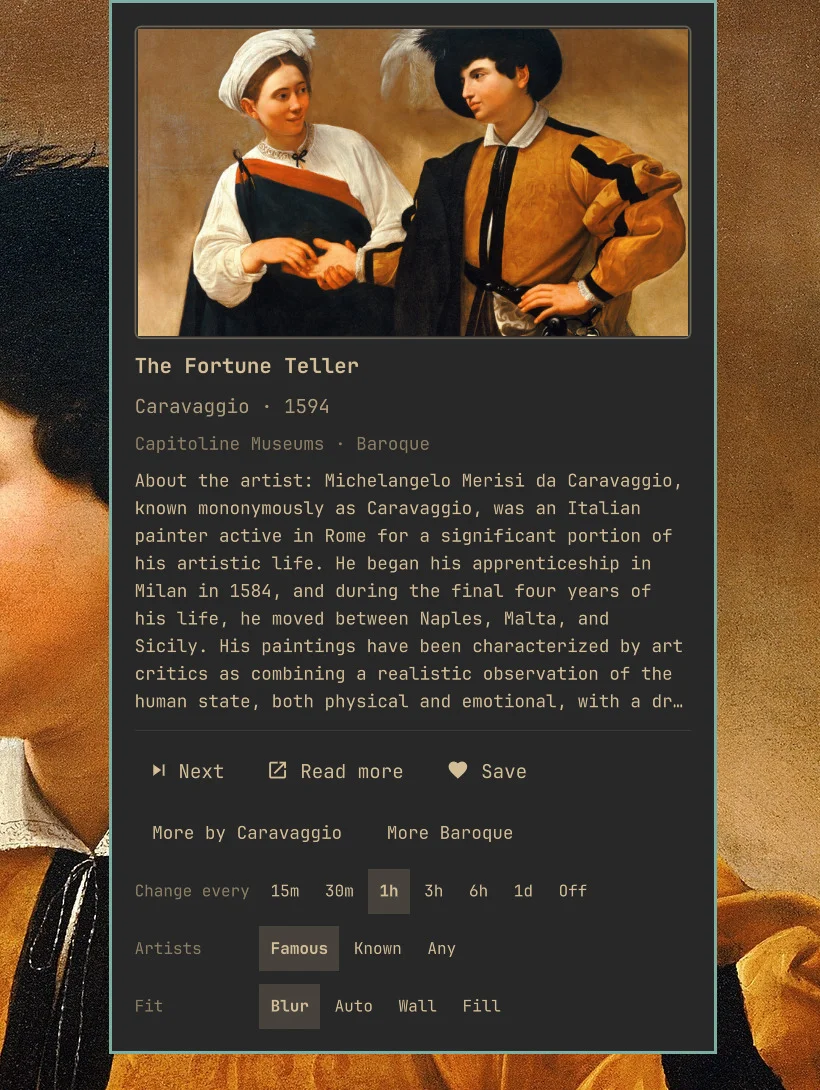
Every painting comes with its label. Click the icon in the tray or menu bar and the card opens: the title, artist, year and museum, and the story behind the work from Wikipedia.
- Next, Read more, Save. Skip ahead instantly, open the article, or keep the painting with its credits.
- More by Caravaggio. One click narrows the walk to an artist or a movement.
- In your language. Titles and stories from the Wikipedia you read.
- A label on the wall. A small museum placard in a corner of the desktop, or none at all.
Hung properly, whatever the shape.
Few paintings have your screen’s proportions. Choose how the rest are hung. Every monitor gets a scan sized for it, up to 4K.
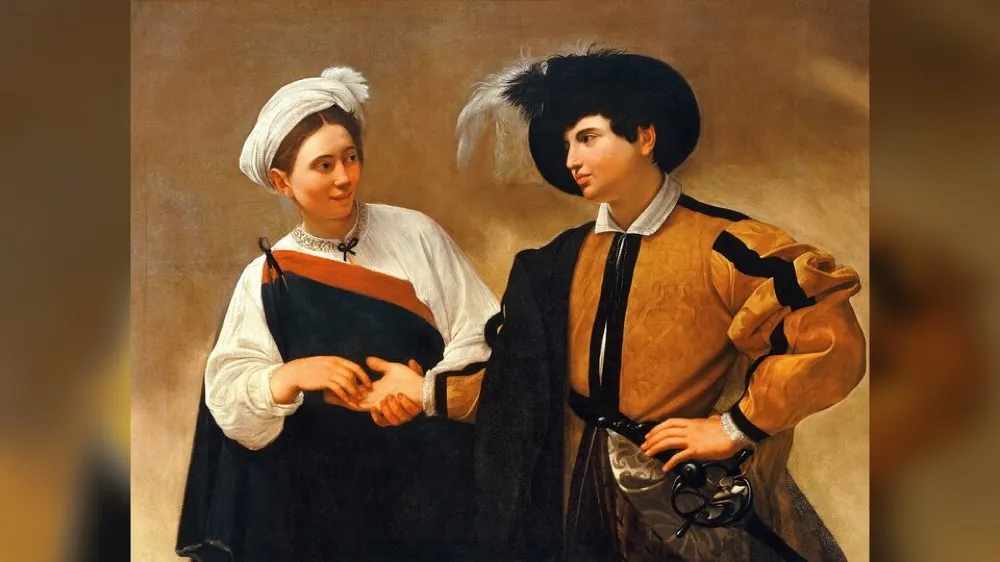
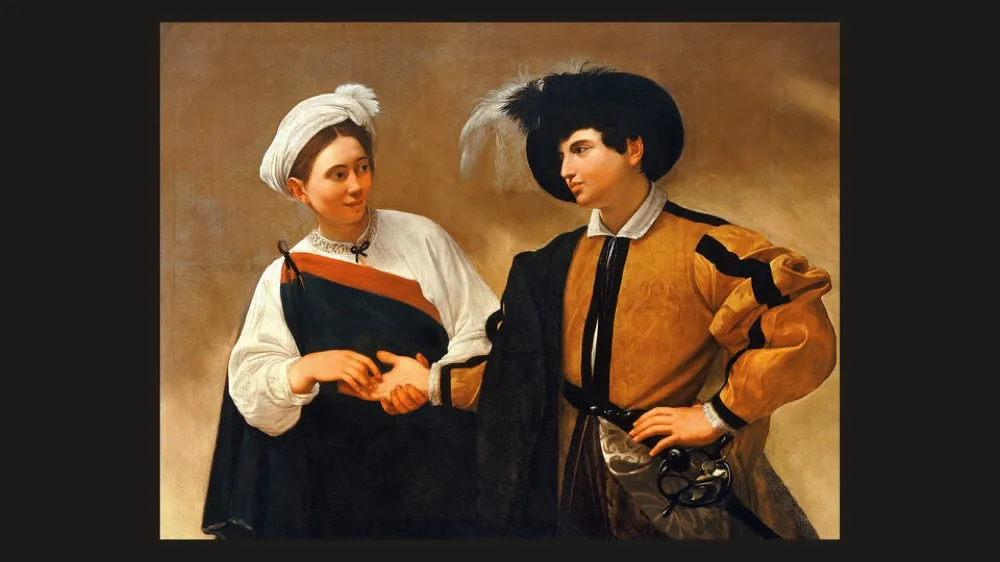
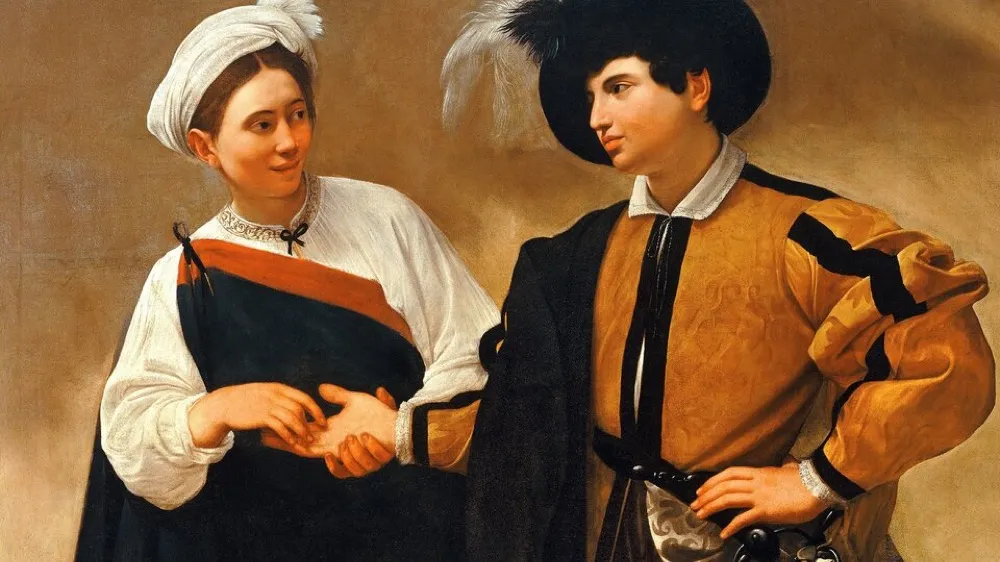
Famous painters first.
Paintings come from Wikidata and the Wikimedia Commons scans, many of them Google Art Project museum photography. Choose how far off the beaten path to wander.
Leonardo, Rembrandt, Van Gogh, Monet, Aivazovsky. About 38,000 paintings.
Everyone with articles in 30+ Wikipedias. About 94,000 paintings.
The full Google Art Project collection, plus whatever your filters match.
Install it.
The same paintings, labels and filters on every platform.
Windows
Windows 10 or 11 · tray app · updates through the Store
- Install it from the Microsoft Store.
- The first painting appears within seconds. A gilt-frame icon sits by the clock.
Prefer a direct download? Grab the installer from GitHub Releases. It isn’t code-signed, so Windows may warn you: click More info → Run anyway. Install one or the other, not both. Source on GitHub.
macOS
macOS 13 Ventura or later · menu bar app · updates itself
- Run this in Terminal. It downloads the release for your Mac, verifies it and puts it in Applications.
- The first painting appears within seconds. A frame icon sits in the menu bar.
curl -fsSL https://raw.githubusercontent.com/dpsk/museum-wallpapers-macos/main/install.sh | bash
Prefer a .dmg? Grab the Apple silicon or Intel build from GitHub Releases and drag it to Applications. It isn’t notarized, so on first launch open System Settings → Privacy & Security and click Open Anyway. Source on GitHub.
Omarchy
Omarchy 4 · shell plugin · widget on the bar
- Run this in a terminal. It starts the service and adds the widget to the bar.
- The first painting appears within a minute. Click the palette icon for the card.
omarchy plugin add https://github.com/dpsk/omarchy-museum-wallpapers --enable
Talks only to Wikimedia, and sends nothing about you.